
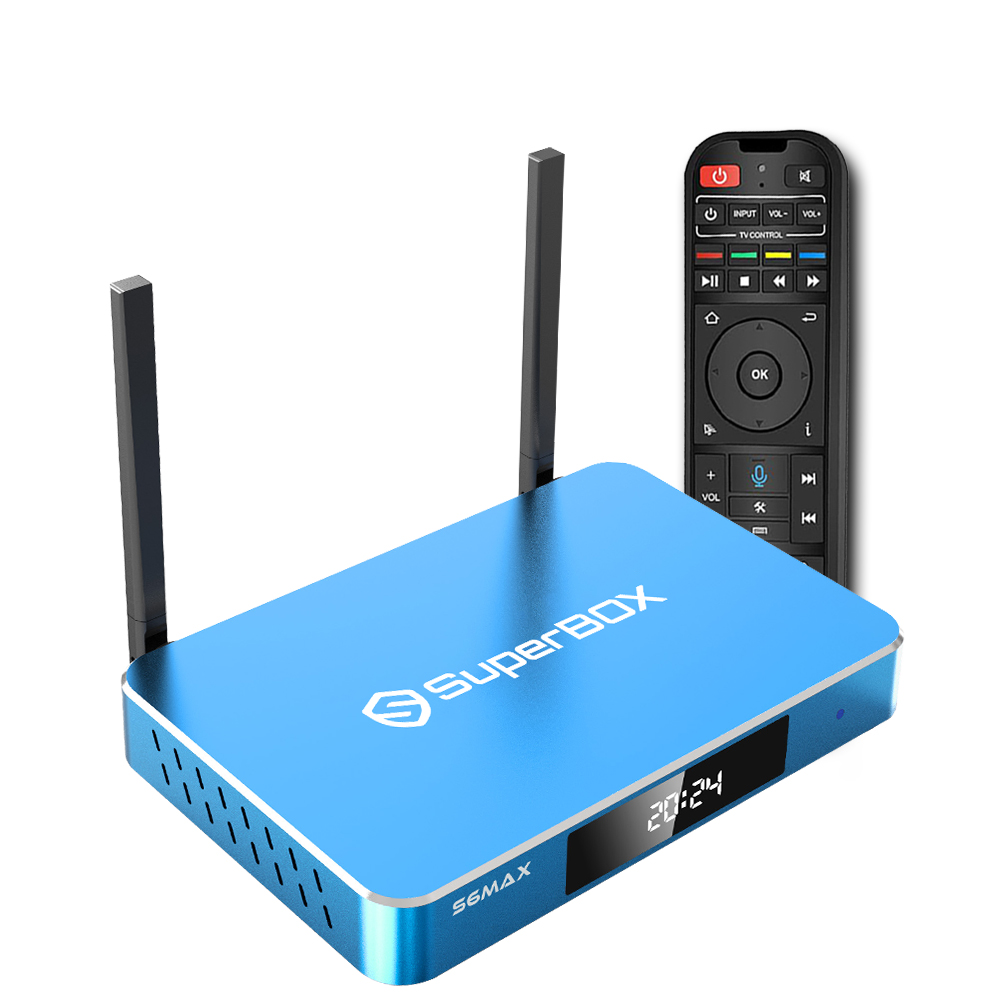
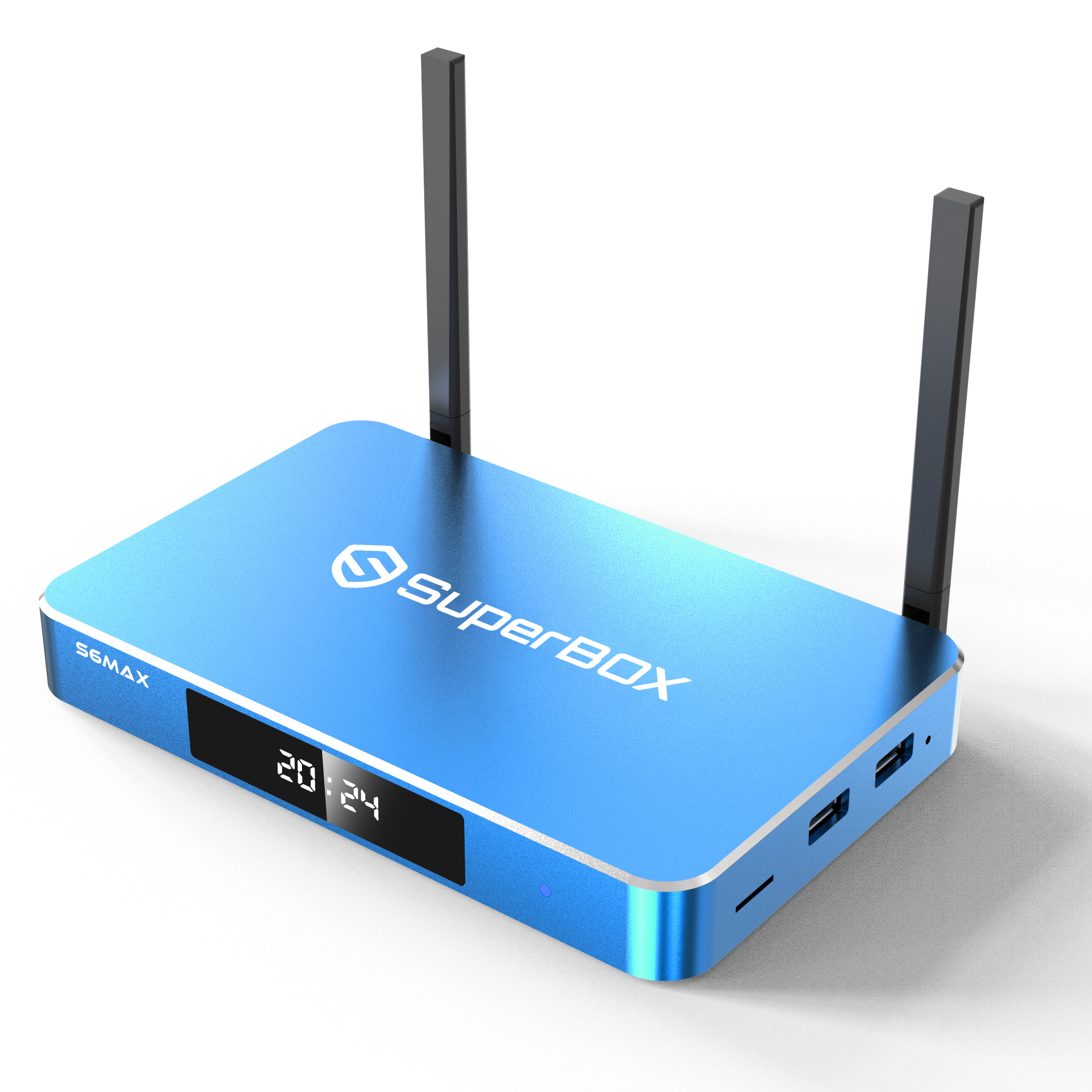
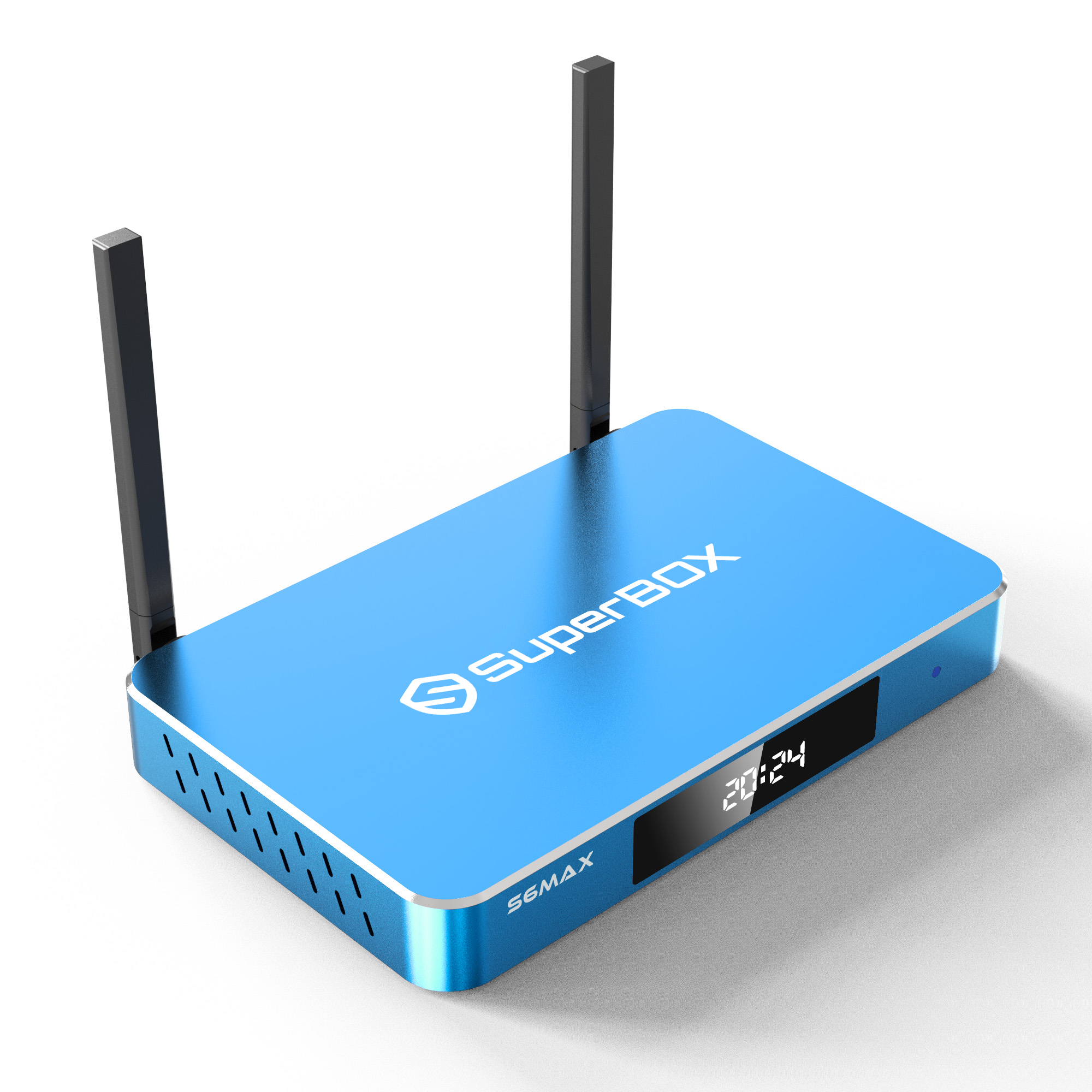
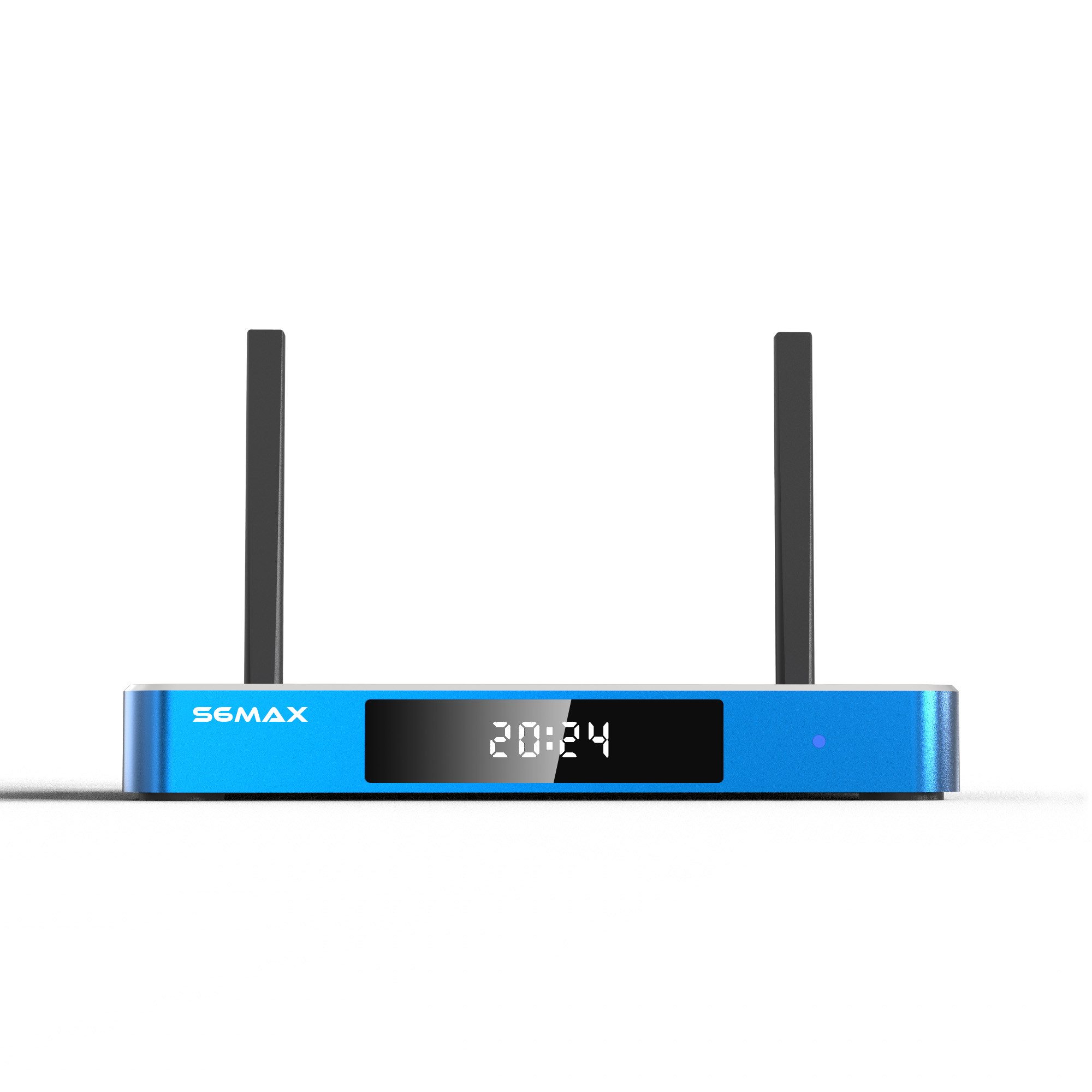
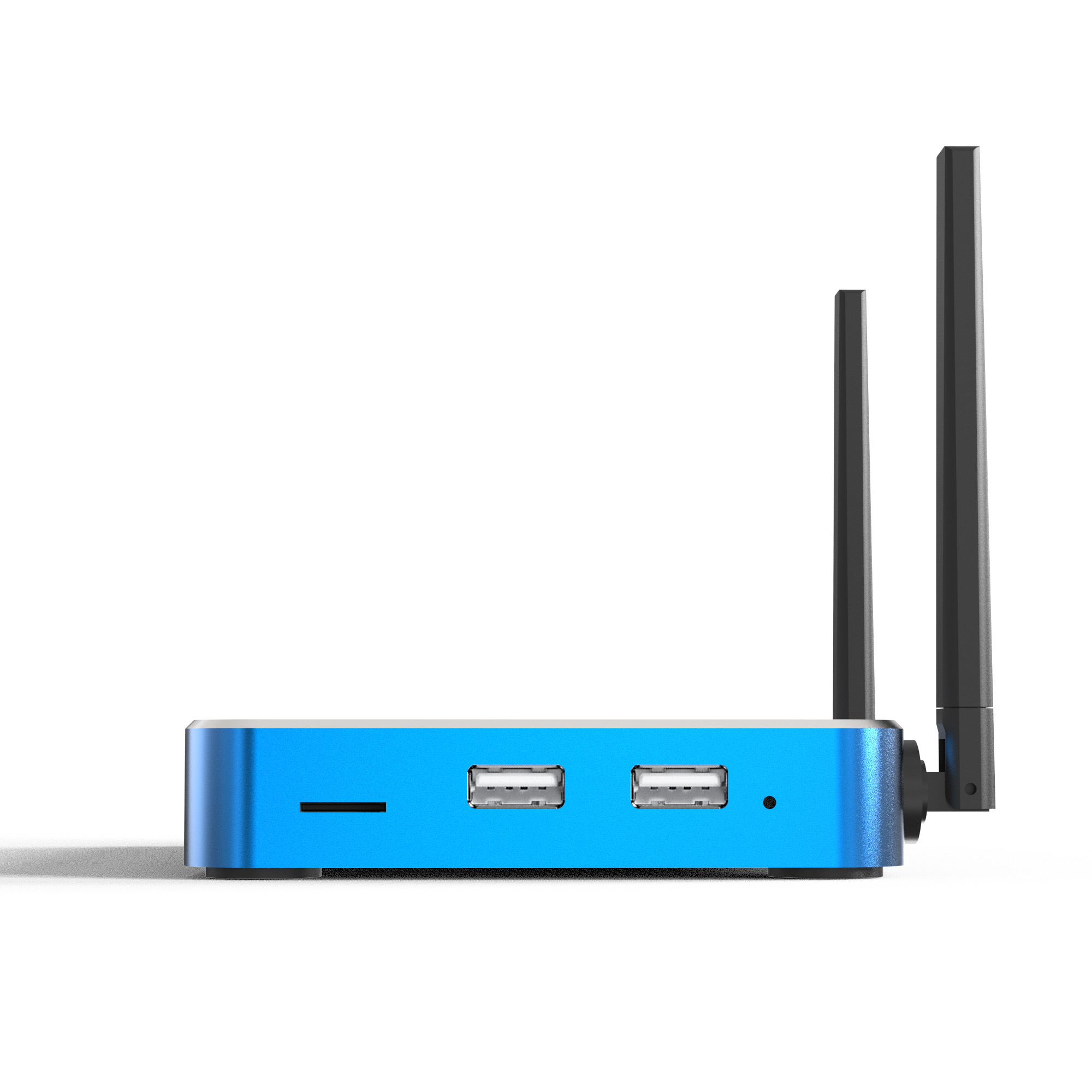
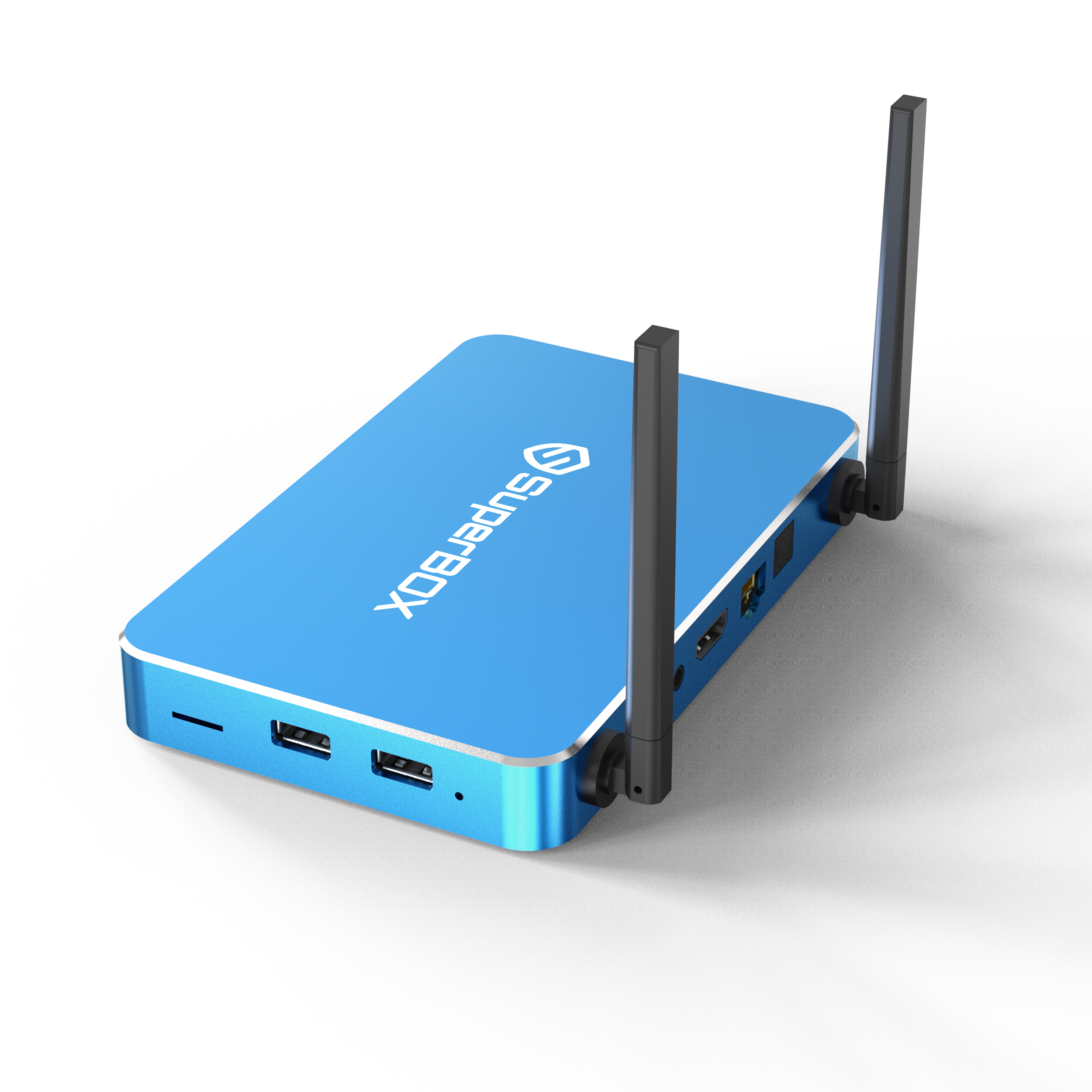
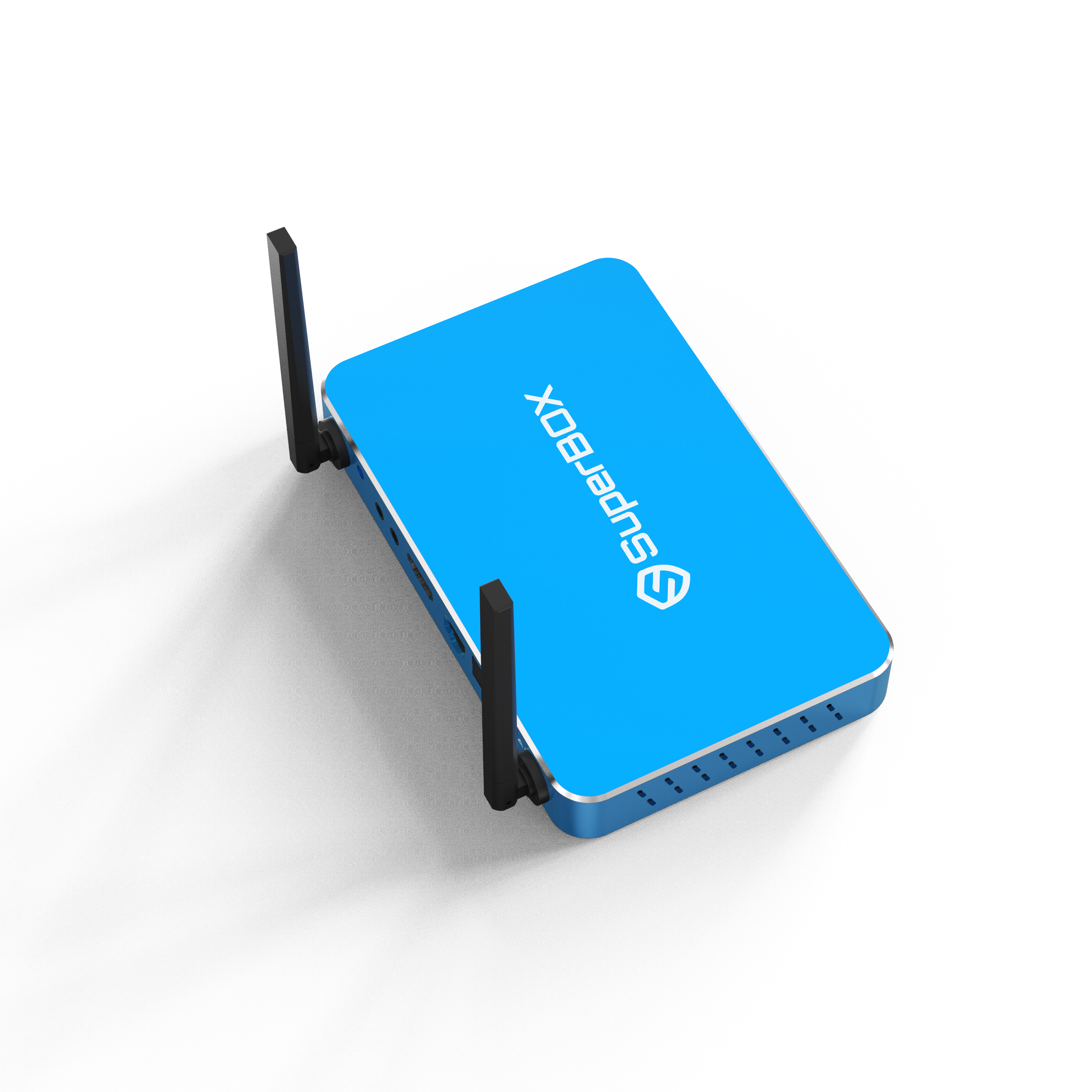
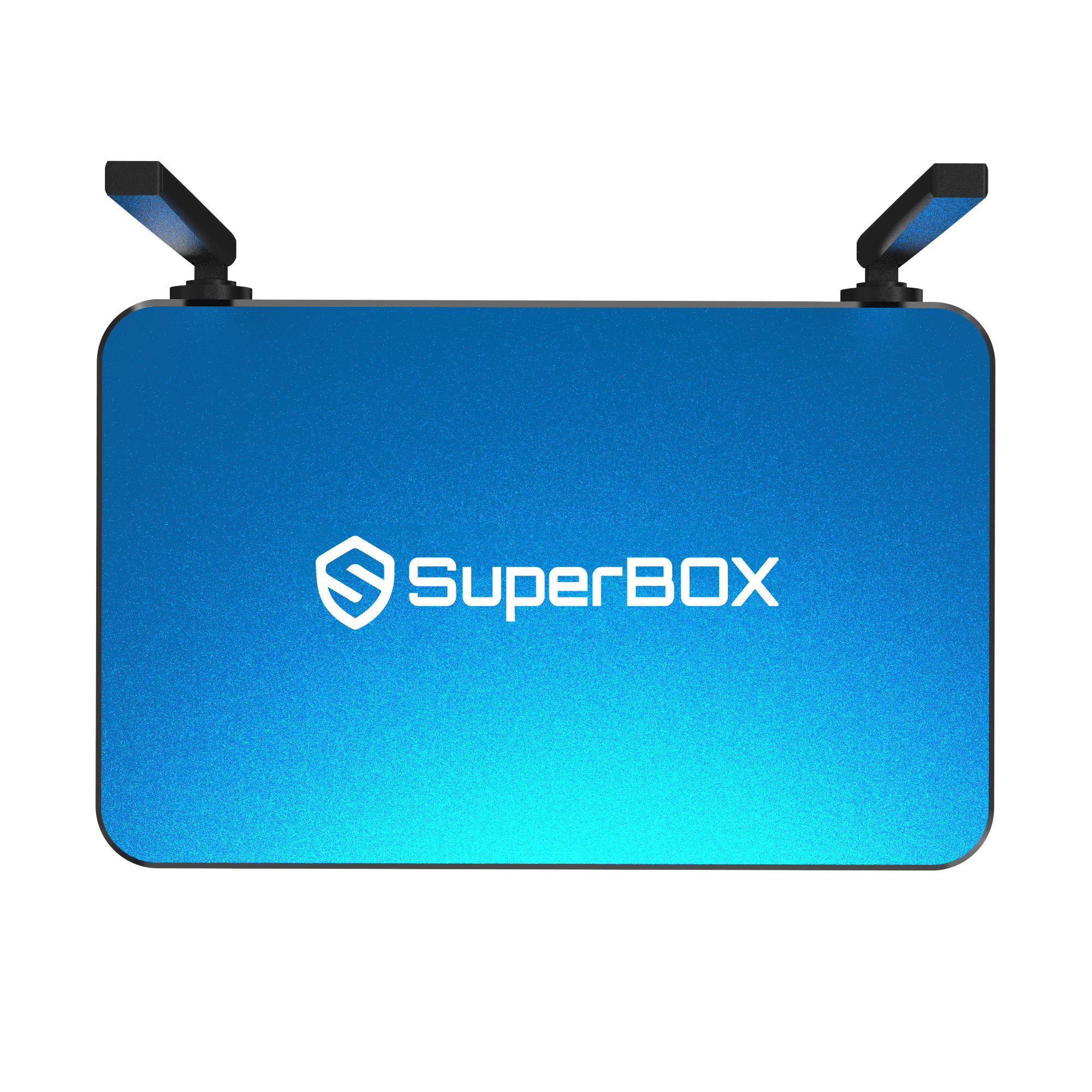
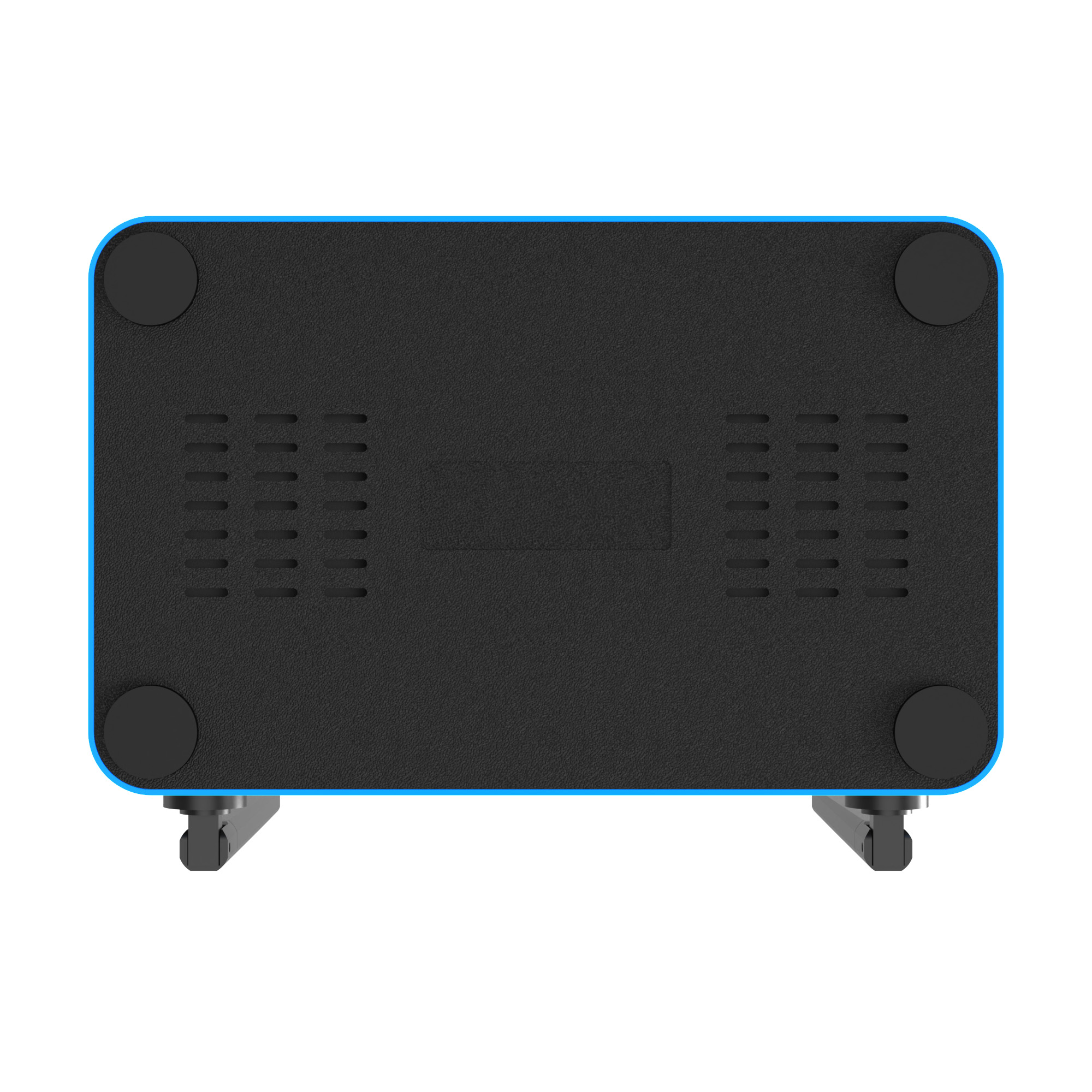
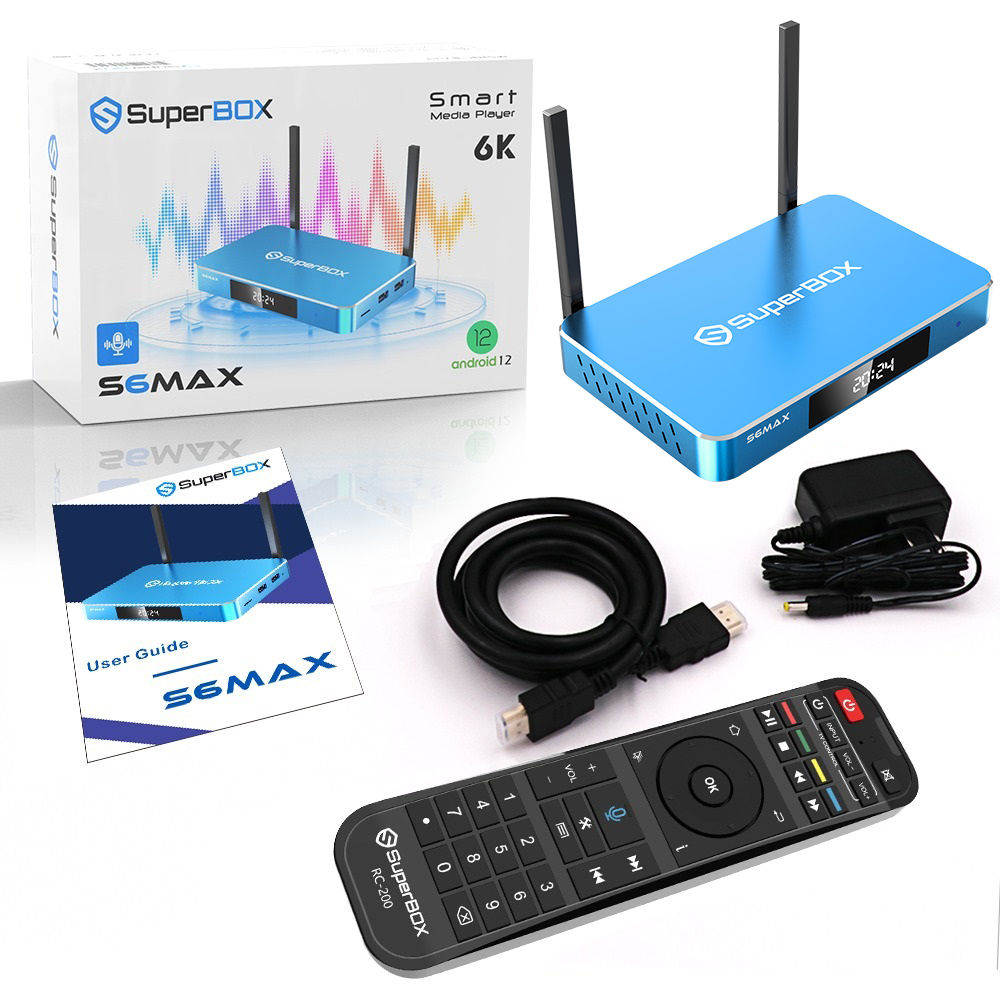
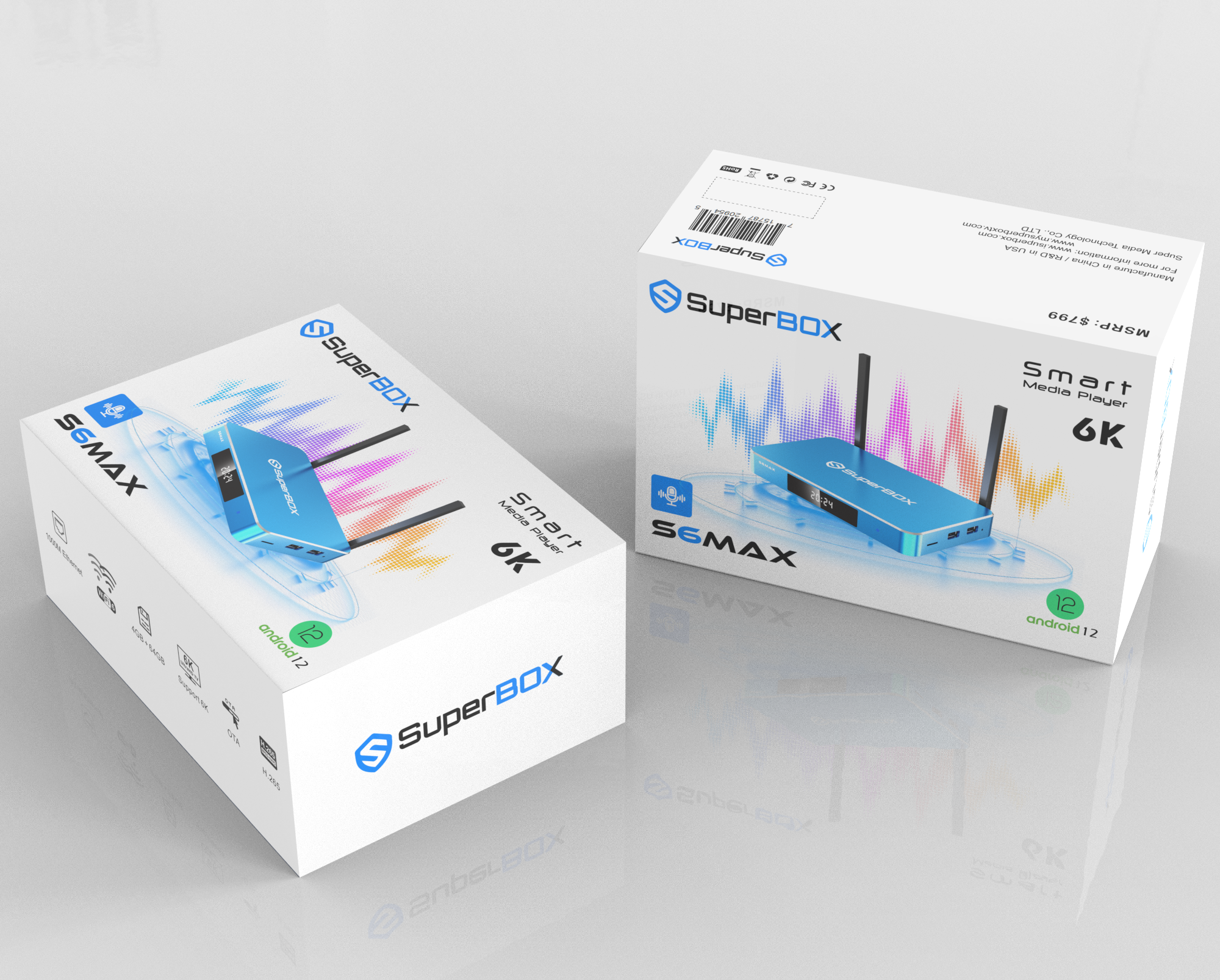
The SuperBOX S6 MAX redefines home entertainment with cutting-edge streaming technology, providing a smooth and powerful watching experience. With a 78% increase in speed and stability, this device can handle the most demanding programs, making it the ideal choice for modern streaming needs. Setup is simple: connect the S6 MAX to your TV via HDMI, connect to Wi-Fi, and enjoy an extensive selection of TV shows, movies, and series. SuperBOX, designed with user convenience in mind, provides uninterrupted entertainment with 24-hour customer service and technical support, as well as maximum versatility and performance for all of your favorite content.

What’s New with Superbox S6 Max
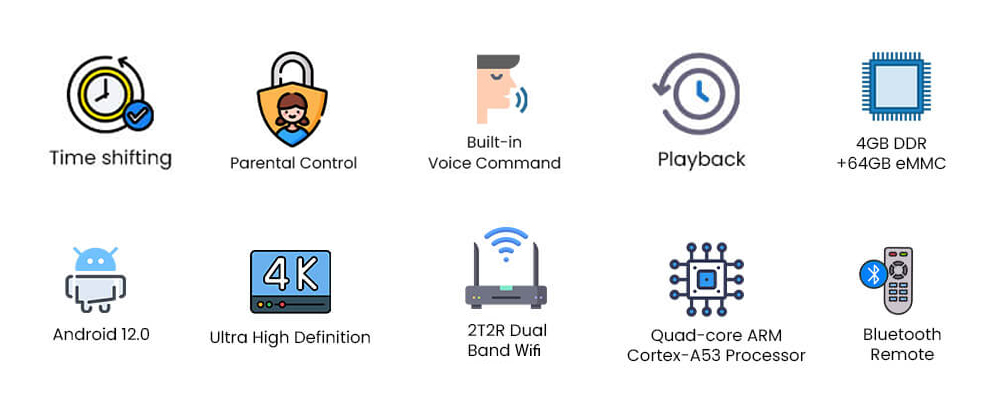
- Revolutionary Time Shift Feature: With the time shift feature, you have complete control over how you view your content. Whether you want to pause, rewind, or fast-forward, this function allows you to watch shows at your leisure. You can revisit important scenes or skip through bits that aren't necessary.
- Parental Controls: The Super box S6 MAX makes it simple to control what your children can access. Setting up parental controls is simple, allowing you to create a safe, age-appropriate, and family-friendly viewing experience.
- Advanced Voice Command: The powerful voice command feature allows you to control the Superbox S6 MAX just by saying. This upgrade provides fast, accurate, and responsive voice control for everything from content search to setting adjustments.
- Playback: Never miss any events and programs with your SuperBox S6 Max playback function within 7-Day.
- 4GB RAM & 64GB storage: With 4GB DDR RAM and 64GB eMMC storage, the S6 MAX can handle all of your streaming needs with ease. The big storage capacity provides adequate app and media space, while the strong RAM assures seamless performance even when numerous apps are running.
- Android 12 Operating System: The S6 MAX runs the latest Android 12 operating system, which provides greater security, faster performance, and a more responsive user experience. It supports the most recent apps and updates, ensuring that your device is always prepared for future developments.
- High Definition: The S6 MAX supports 4K resolution, providing breathtaking visual clarity and ultra-smooth playback. Whether you're watching movies, TV shows, or videos in high definition, this feature assures great picture quality, brilliant colors, and improved clarity, allowing you to enjoy material like never before.
- Upgraded WiFi 6: The Superbox S6 MAX, equipped with the latest WiFi 6 technology, provides lightning-fast internet rates, assuring a seamless streaming experience. WiFi 6 lowers buffering and lag.
- Powerful Performance: Equipped with Quad-core ARM Cortex-A53 Processor, the S6 Max can have improved image and video quality, resulting in a superior watching experience.
- Updated Bluetooth 5.2: The Super Box S6 MAX has updated Bluetooth 5.2 for improved multi-device connectivity. This enables faster and more robust wireless connections, whether you're pairing headphones, speakers, or controllers. The increased range and lower battery consumption make it easier to move between devices while maintaining continuous audio and data transfer.
- Brand-New UI and UX Design: The S6 MAX features an entirely new user interface and experience, with smoother, faster, and more intuitive navigation. The redesigned design makes it easier to find and enjoy your favorite content with less effort.
Benefits:
- No Subscription and No hiding fees: For watching free channels or utilizing the SuperBox S6 Max. You simply have to pay for the box once and you can stream all of the content in the United States and Canada indefinitely.
- Easily access more than 1200+ HD Live premium channels with the lifetime subscription: S6 Max includes live news (sports, politics, entertainment, etc). Check all updated channels list here
- Endless entertainment: 10,000+ movies (Action, Comedy, Drama, Fantasy, Horror, Mystery, Romance, Thriller, Western, 18+ movies..etc) and TV episodes
- All live sports packages in HD: American Football NFL, CFL, MSL, Baseball MLB, Basketball NBA, Ice hockey NHL, AHL, ECHL, Cricket, Soccer, MMA, Boxing, Golf and the list goes on.
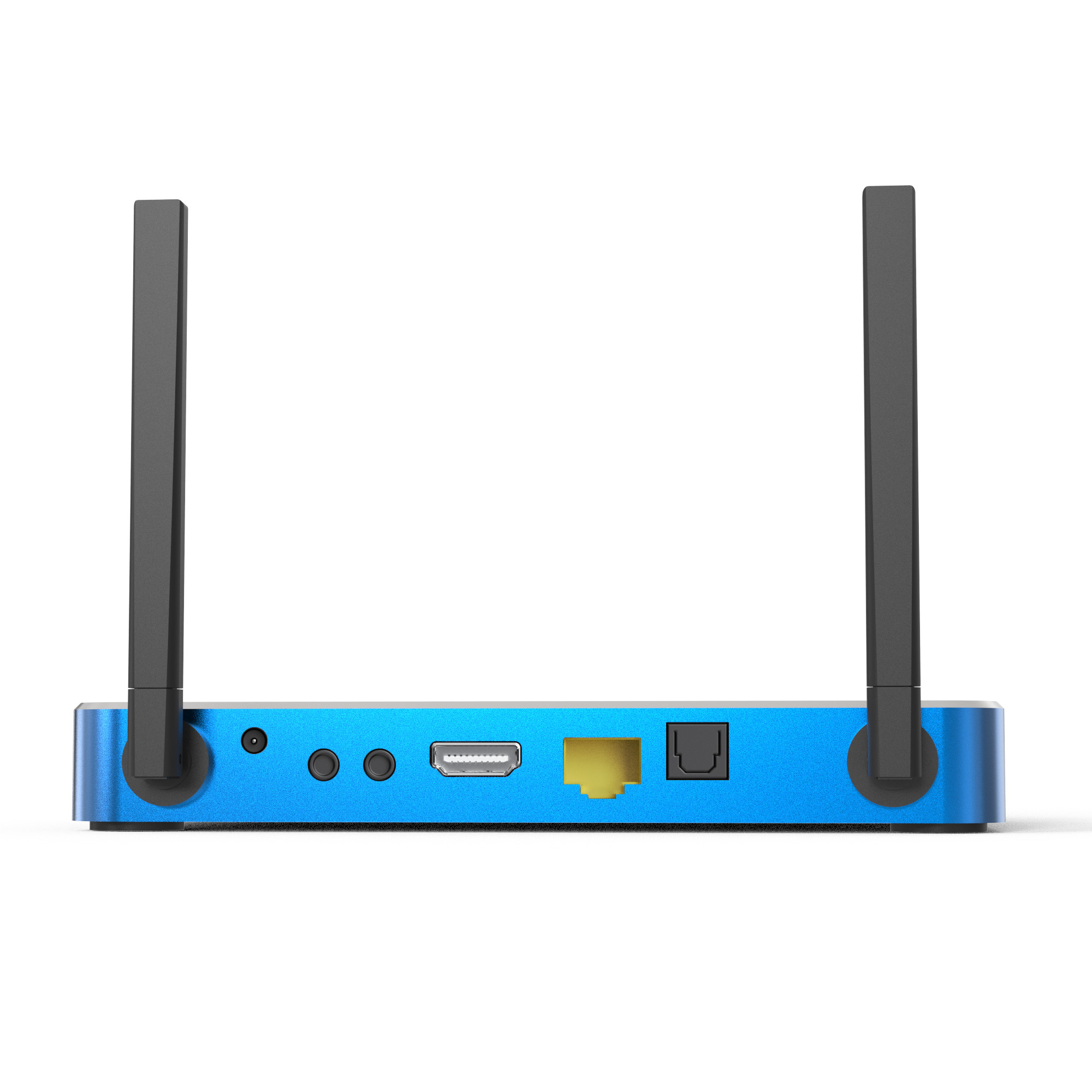
- Fully Loaded: Simply plug it into your TV by AV or HDMI, connect to the Internet (WIFI or ethernet port), complete the 5-minute setup, and you're ready to go!
- High-quality streaming output: Android Box supports 4K/6K Ultra HD resolution and High Dynamic Range (HDR), providing incredible clarity and fluidity.
- Works in every country: You only need a television and an internet connection. Connect and go! S6 Max is easy to transport while traveling.
Time Shift
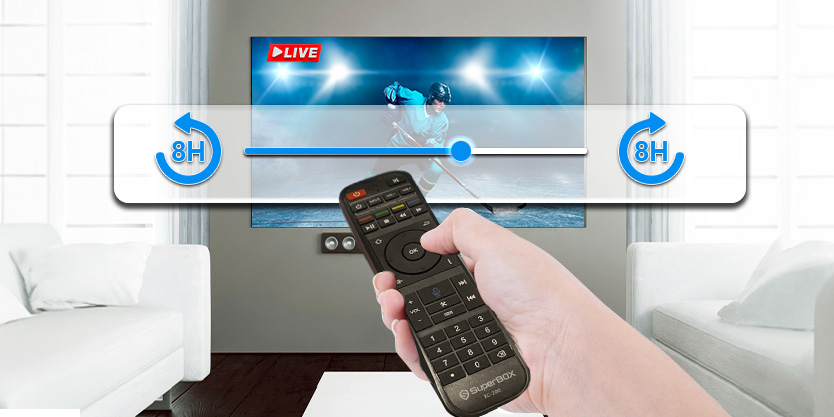
The SuperBox S6 Max establishes a new achievement in the IPTV business with the first-ever Time-shift feature. Compared to the Playback tool, the Time-shift feature allows you to quickly access and watch any show from the last 8 hours with a single click. This revolutionary feature ensures that you never miss a crucial moment, providing unparalleled convenience and quickness in catching up on your favourite shows.
Parental Control

The SuperBox S6 Max features a brand-new parental control capability, allowing users to effortlessly lock specific channels for more control over watching possibilities. This function provides a safer and more personalized entertainment experience for families.
Latest Voice Control Technology

The SuperBox S6 Max improves streaming with its powerful voice command capability, which allows customers to instantly access their favorite shows and movies. Navigating content has never been easier, thanks to an intuitive layout and better functionality.
Superfast Streaming and Connectivity


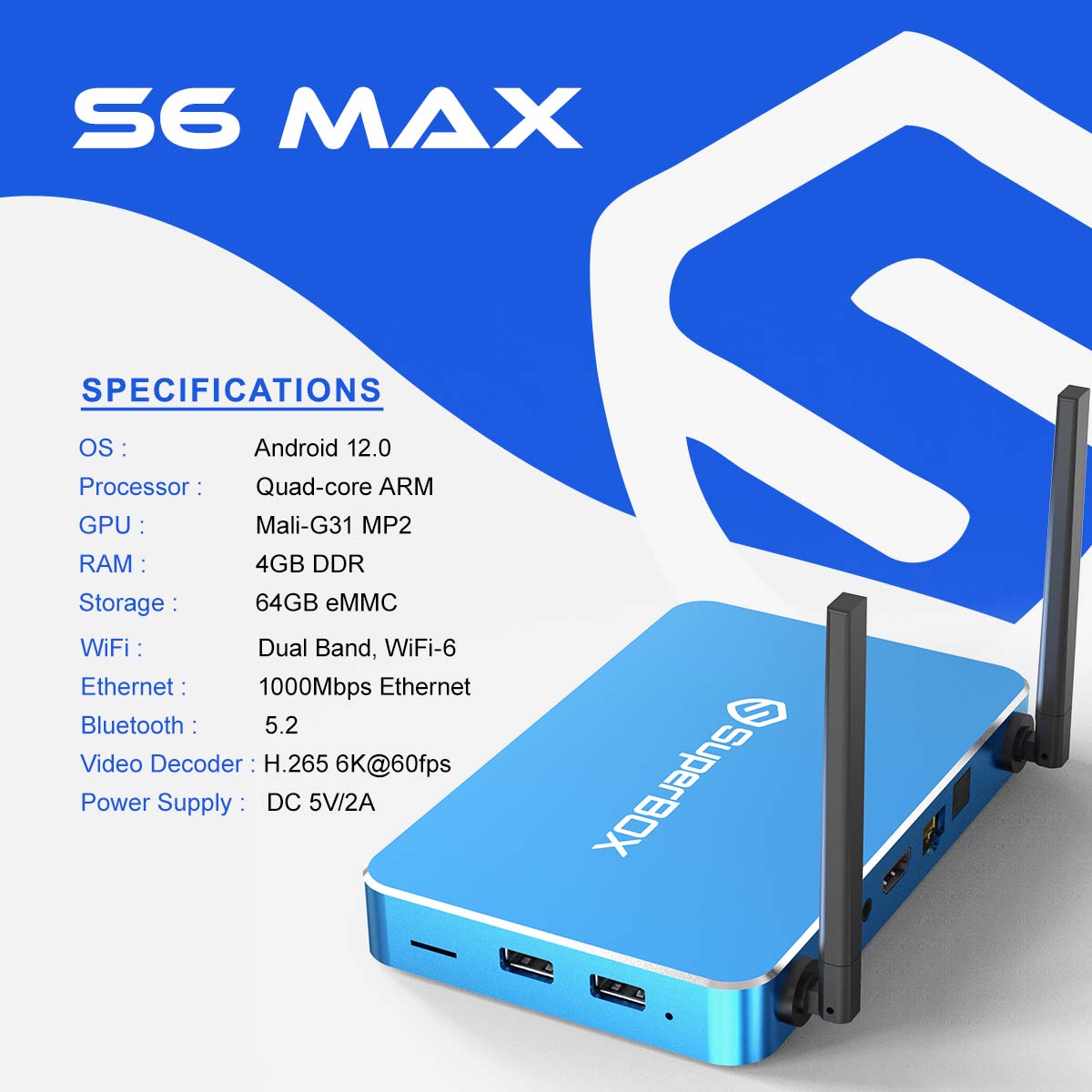
The SuperBox S6 Max performs at high data transport and processing speeds. It has 2.4G/5G dual-band WiFi that supports WiFi 6, as well as 1000 Mbps Ethernet connections. Dual external antennas offer flawless streaming, and Bluetooth 5.2 ensures easy interaction with the most recent modern devices.
4K Home Theatre Enjoyment

SuperBox S6 Max is equipped with the most powerful streaming and decoding technology, allowing you to enjoy realistic picture quality in your home when connected to a compatible HDR TV.
Exclusive Apps
- Blue TV: 1300+ Live TV Channels
- Blue VOD: 15,000+ Video-on-demand, updating everyday
- Playback: 85 Live TV Channels Playback in the last 7 days, no longer miss the excitement!
- Backup TV app: All live TV Channels and VOD, no buffering and freezing
S6 Max Superior Design and High Quality Ensures Excellence.
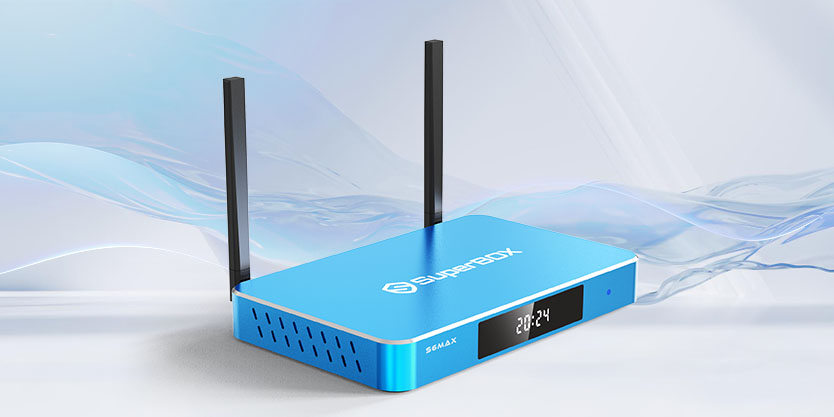
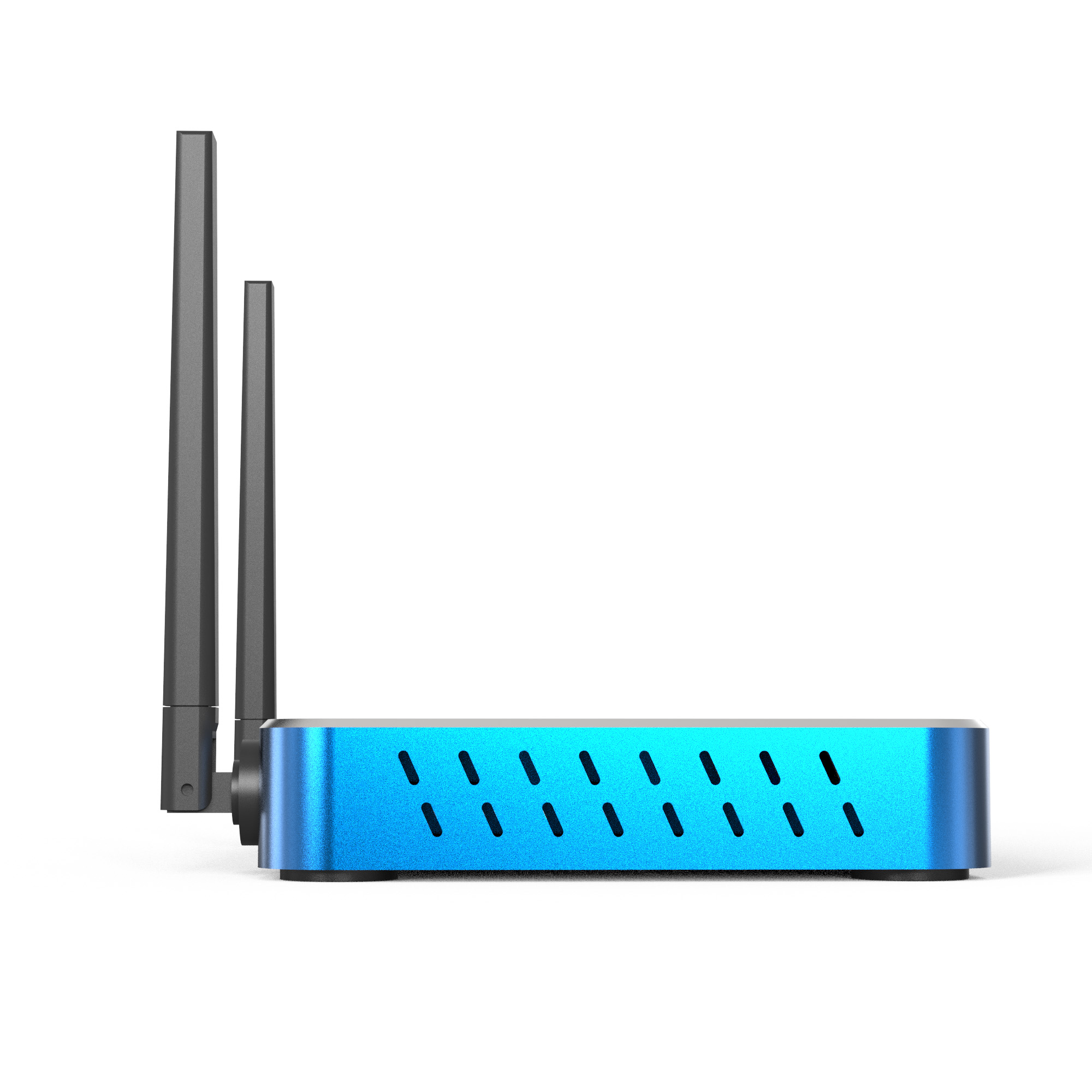
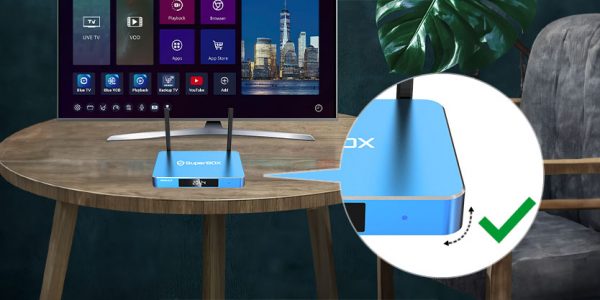
The SuperBox S6 Max has a rectangular, stylish appearance with rounded edges that combines luxury with a modern twist. The box is made of high-quality metal and has a sleek design that would look great in any room.
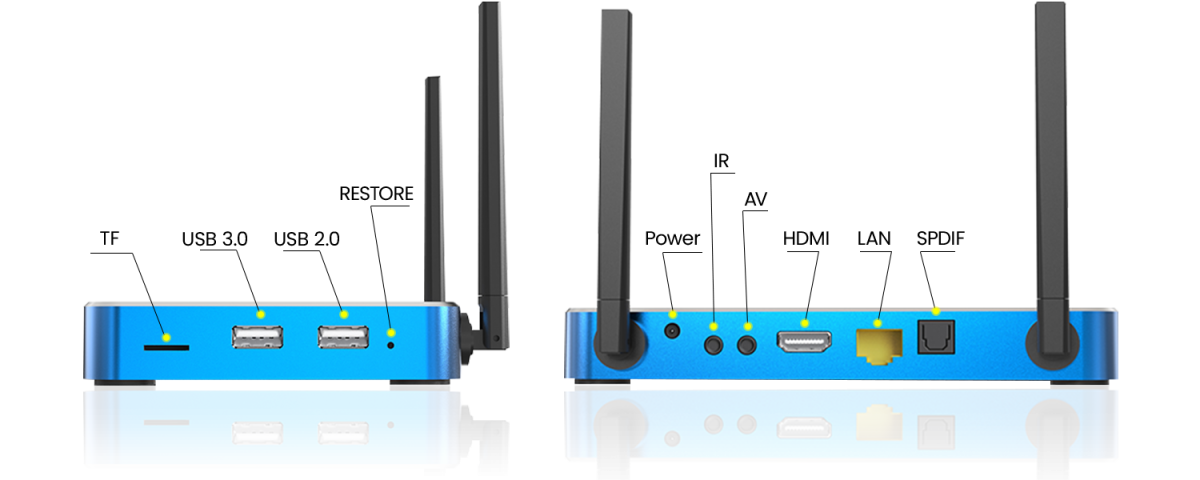
Ports Configuration
| Model |
SuperBox S6 Max |
|---|---|
| Operating System |
Android 12.0 |
| WiFi |
Dual Band(2.4G+5G), WiFi 6 |
| Processor |
Quad-core ARM Cortex-A53 |
| GPU |
Mali-G31 MP2 |
| RAM |
4GB DDR |
| Storage |
64GB eMMC |
| Ethernet |
1000Mbps Ethernet |
| Bluetooth |
Bluetooth 5.2 |
| Controller Type |
Voice Control Remote, Keyboard Compatible |
| Video Decoder |
H.265 6K@60fps |
| Power Supply |
DC 5V/2A |
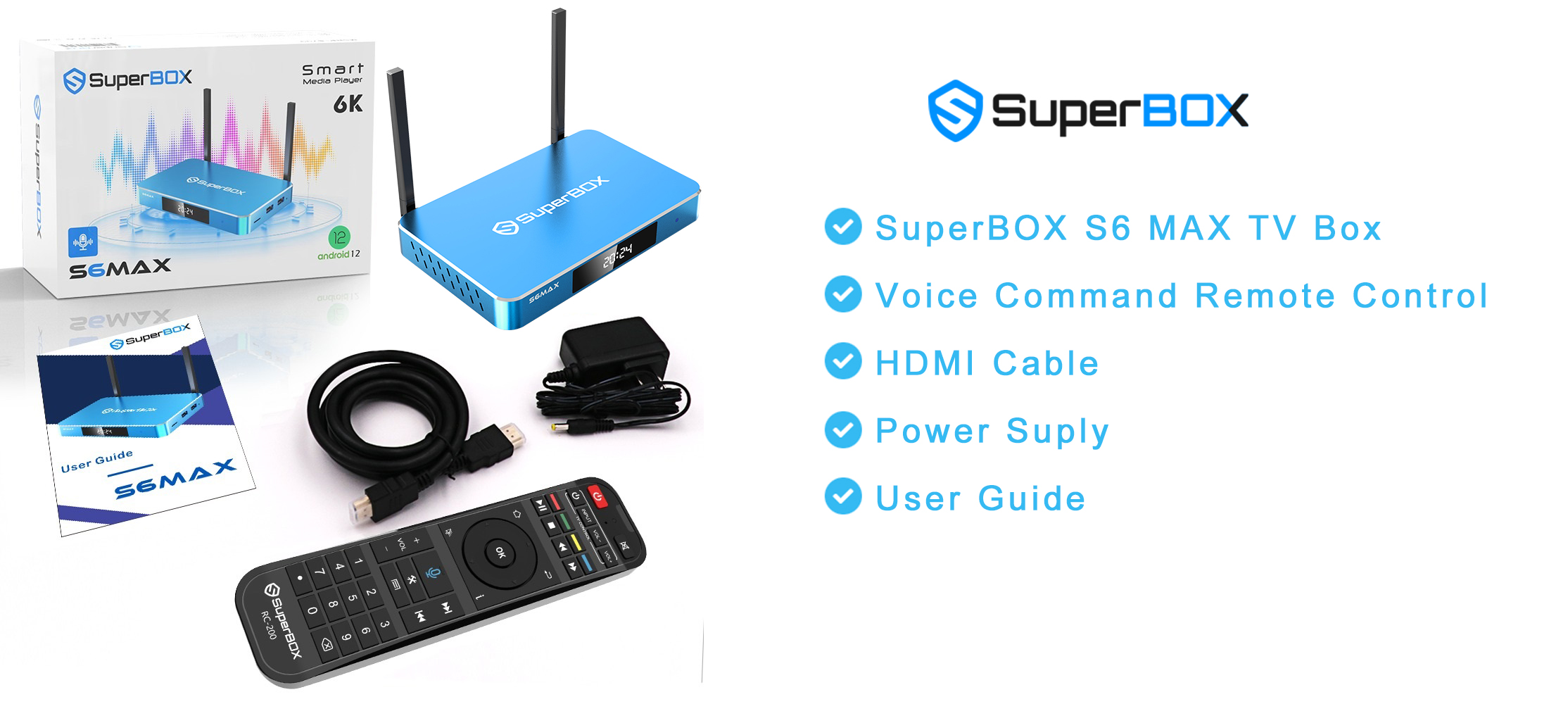
What’s In The Package

If you’re using SuperBox and enjoying the incredible entertainment options it offers, you’re probably already familiar with the TV app. But did you know that with a few simple shortcuts on your remote, you can make the experience even faster and smoother? This SuperBox remote shortcut guide will walk you through everything you need to know — from searching for channels, viewing the schedule, changing channels by number, and managing your favorite channels.
Let’s dive into the full SuperBox remote shortcut guide to help you get the most out of your SuperBox.
How to Search Channels on SuperBox?
One of the most useful shortcuts on SuperBox is the Search function. Instead of scrolling through hundreds of channels, use this remote shortcut:
- Open TV from your SuperBox home screen.
- Select any channel and open it in full-screen mode.
- Then, press the right arrow on your remote — the Search option will appear.
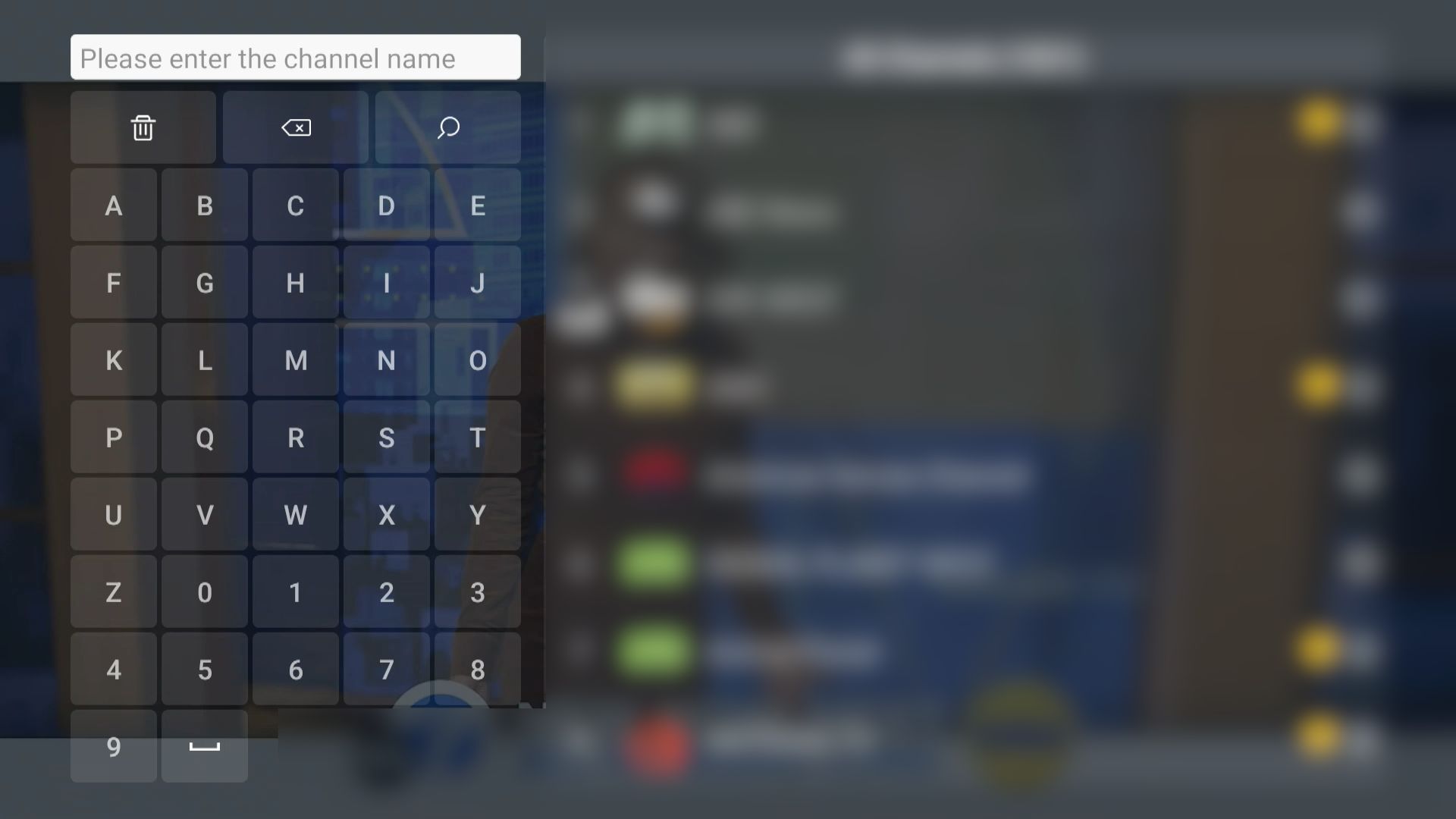
Not everyone knows about this shortcut, because the Search function doesn’t show up on the main TV interface. You need to go through a few steps to access it.
How to View the Channel Schedule (EPG)?
Planning ahead? The Electronic Program Guide (EPG) gives you a full view of what’s currently on and what’s coming up.
Here’s the shortcut:
- While inside TV, select any channel and switch to full-screen mode.
- Press the OK button on your remote — the upcoming schedule (EPG) will appear.
- Use the up and down arrows to browse through different channels and view their schedules.
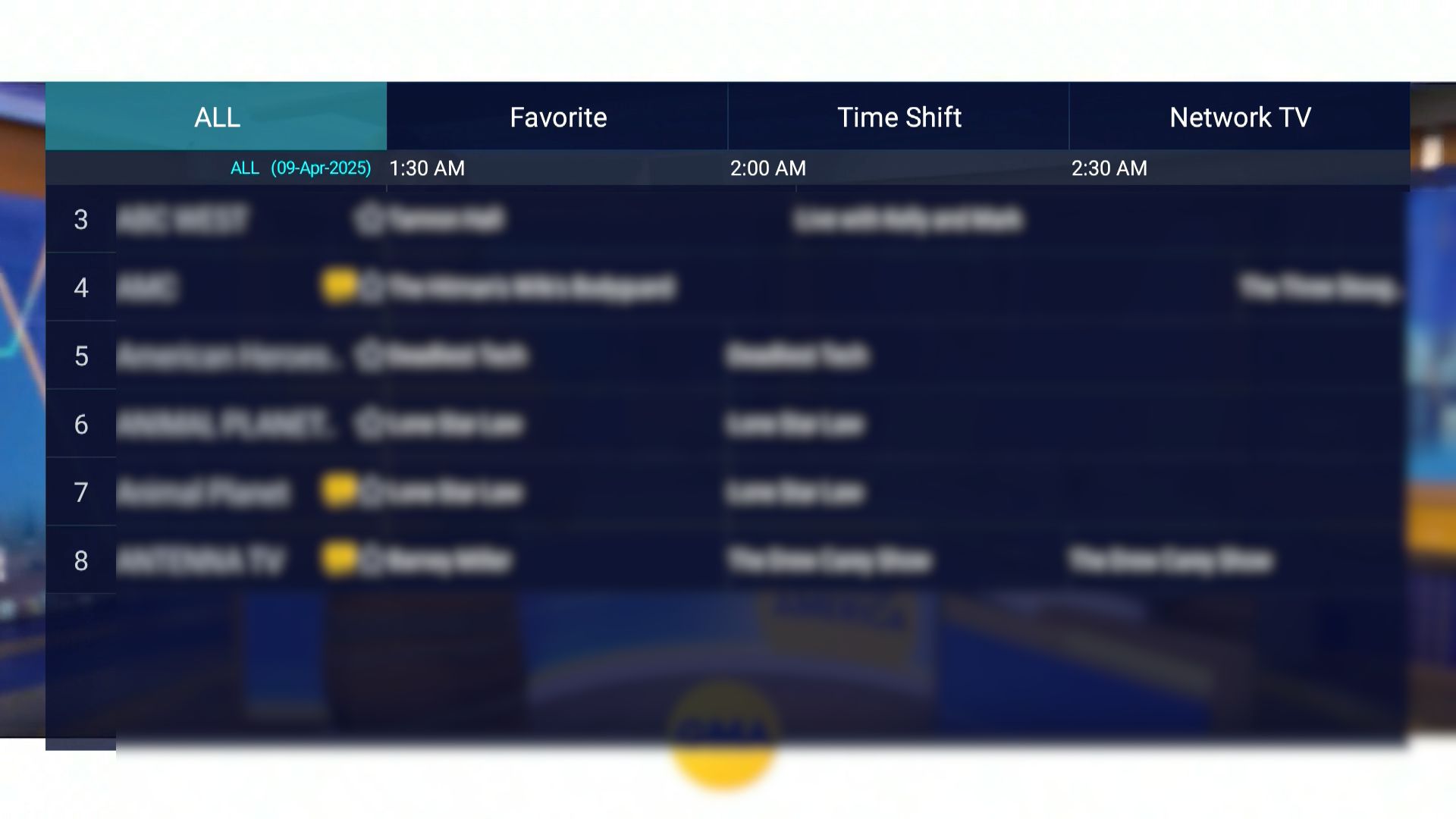
I’ve even seen comments on a few platforms suggesting we should include the EPG feature in tutorials — which means many users don’t know where to find it. Well, now you do!
How to Change Channels by Number?
Want to jump directly to a specific channel? Here’s how:
- The content in SuperBox is organized by channel number.
- Inside TV, simply enter the channel number using your remote’s number pad (e.g., 868 for Sports Moment).
- Press OK, and you’ll be taken straight to that channel — or just wait for about 3 seconds, and it will switch automatically.
This feature is incredibly efficient and a must-know part of any SuperBox remote shortcut guide. No more endless scrolling.
How to Add Channels to Favorites?
Organize your viewing experience by saving your top channels.
Follow these steps:
- On the channel selection screen, stop at the channel you want to add to Favorites.
- Press and hold the OK button on your remote for about 2 seconds to save it.
- To remove it from Favorites, press and hold the same channel again for 2 seconds.

This way, you’ll save tons of time by avoiding channels you never watch. All your favorite channels will be grouped into a separate category, making them easier to find next time. To access this Favorites category, press the left arrow on your remote from the TV main interface.
How to Use Time Shift on TV?
Time Shift is a powerful feature available from the S6 series and newer models. It allows users to rewind, pause, and fast forward live TV — perfect for when you miss a moment or need a quick break.
We’ve already explained how to use this feature in detail in our article: SuperBox Time Shift — be sure to check it out if you want the full walkthrough!
How to Use Parental Control on TV?
Want to block certain channels from being viewed? Here’s how to use the Parental Control feature:
Choose any channel and switch to full-screen mode.
- Press the Settings button on your remote.
- Scroll down to the bottom and select Parental Control.
- Set a 6-digit password (numbers only).
- The screen will switch to the “ALL” channel list view.
- Press and hold the OK button on the channel you want to lock until the lock icon turns yellow — that means it’s locked.
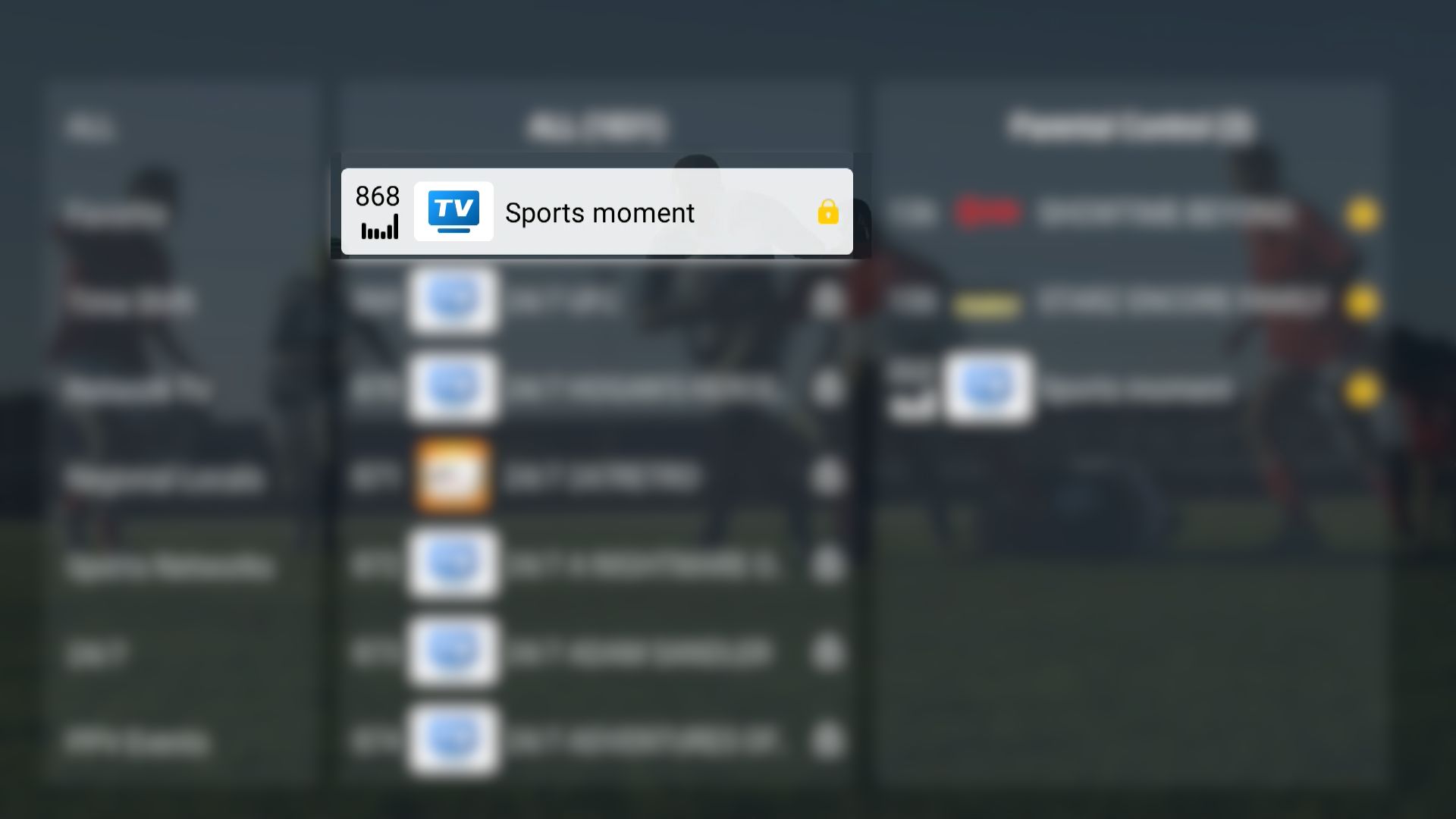
Next time you try to open that channel, it will ask for a password. You can also lock multiple channels at once by pressing and holding OK on each one while still in the same interface.
With these simple remote shortcuts, you can unlock the full power of TV on your SuperBox. This SuperBox remote shortcut guide makes it easier than ever to search channels, view schedules, switch channels instantly, and manage your favorites.